AI Note-Taking for Students: The Smarter Way to Study in 2026
Let’s be honest — taking notes is hard. You’re trying to listen, understand, and write at the same time. Something always gets missed. And by the time exams roll around, your notes look like a puzzle with half the pieces gone.
That’s exactly why so many students are turning to AI note taking. It’s not about being lazy — it’s about being smart with your time and actually retaining what you learn. Whether you’re in high school, college, or doing online courses, AI tools can completely change how you study.
In this guide, we’ll break down the best AI note-taking methods, the tools worth trying, and some real tips on how to make it work for you.
What Is AI Note Taking, Exactly?
AI note taking is when you use artificial intelligence tools to help you capture, organize, or summarize information — instead of doing everything manually.
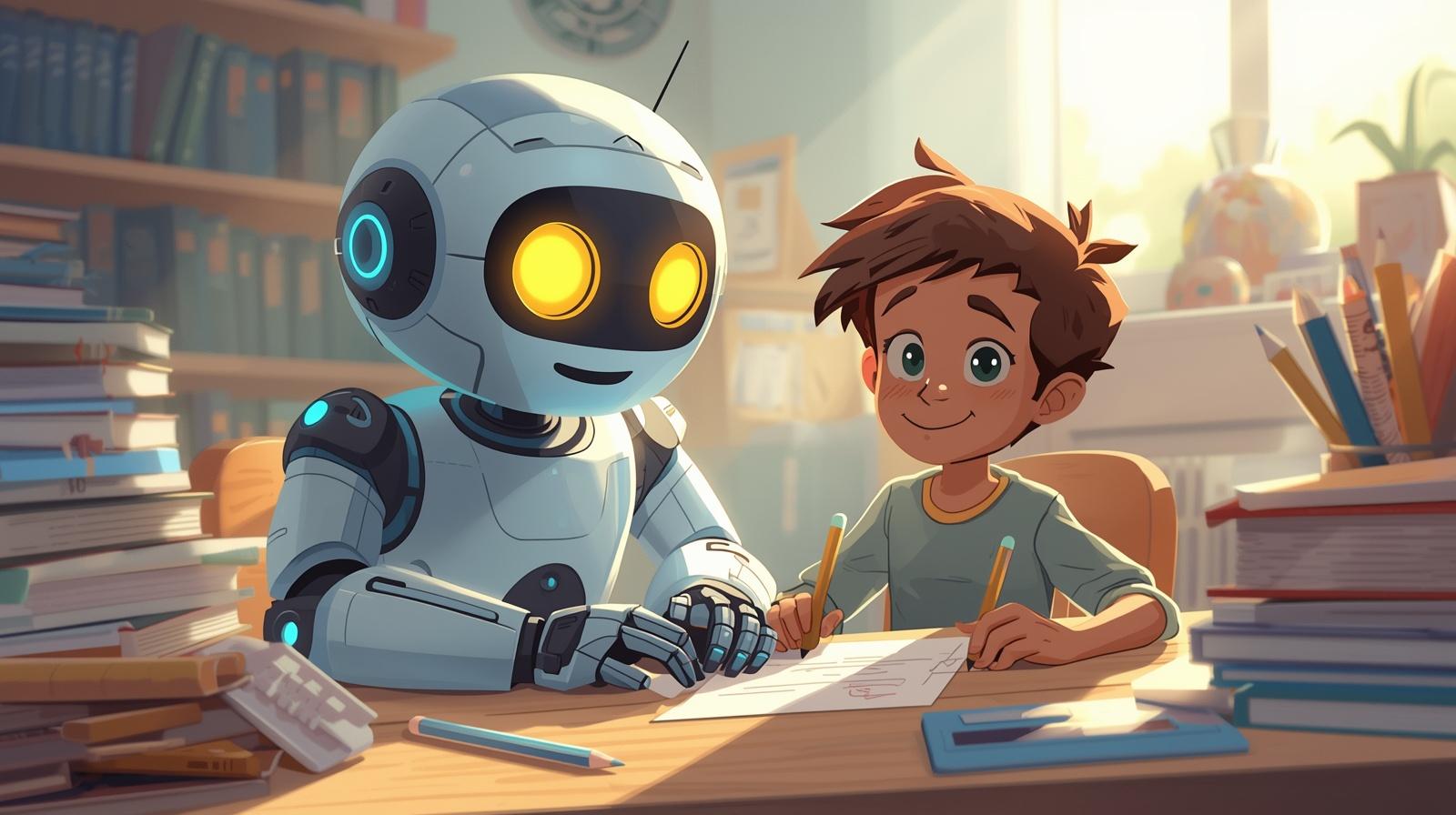
Think of it like having a super-smart assistant sitting next to you in class. It listens to the lecture, pulls out the key points, and hands you a clean summary when it’s done. Some tools even let you ask questions about your notes afterward, like chatting with your textbook.
AI note taking can include things like:
- Transcribing audio from lectures or videos
- Summarizing long readings into bite-sized bullet points
- Organizing your notes into neat categories
- Generating flashcards or study guides automatically
It’s a huge upgrade from scribbling things down in a notebook and hoping you can read your own handwriting later. NotebookLM — Google NotebookLM by Google lets you upload your notes and textbooks, then chat with an AI that knows only your material — completely free.
Why Students Are Switching to AI Note Taking
The old way of taking notes has a big flaw: your brain can’t fully listen and write at the same time. When you’re focused on getting words down, you miss the explanation. And if you miss the explanation, the notes don’t make sense later.
AI note taking solves this by handling the writing for you — so you can actually focus on understanding the material.
Here’s why students find it so helpful:
- Saves time: Instead of reviewing a 90-minute lecture, you get a 5-minute summary.
- Reduces stress: You don’t panic when a professor talks too fast.
- Better organization: Notes are clean, searchable, and easy to review.
- Great for different learning styles: Visual learners, auditory learners — AI tools work for everyone.
- Accessibility: Students with ADHD, dyslexia, or hearing difficulties especially benefit.
Bottom line: it’s not about replacing your brain. It’s about giving your brain more room to actually think.
The Best AI Note-Taking Methods for Students
There’s more than one way to use AI for note taking. Here are the methods that actually work — and when to use each one.
1. AI Transcription — Capture Every Word Automatically
This is the most straightforward method. You record your lecture or meeting, and an AI tool converts the spoken audio into written text in real time.
Tools like Otter.ai and Fireflies do this really well. They can even identify different speakers, add timestamps, and highlight key moments. So instead of a wall of text, you get a readable, navigable transcript.
Best for: Fast-talking professors, online video lectures, or group discussions.
2. AI Summarization — Turn Long Readings Into Short Notes
Got a 40-page chapter to read? AI summarization tools can boil it down to the main ideas in seconds. You paste in the text (or upload a PDF), and the AI gives you a condensed version.
Tools like Claude, ChatGPT, and Notion AI are great at this. You can ask them to summarize, list key points, or even explain something in simpler terms.
Pro tip: Don’t just accept the summary. Read it, then ask follow-up questions to deepen your understanding. The AI can explain concepts in different ways until they click.
3. Smart Note Organization — Let AI Sort Your Mess
Some students take decent notes but then can’t find anything when it matters. AI-powered apps like Notion AI, Obsidian with plugins, or Microsoft OneNote can automatically tag, categorize, and link your notes together.
Imagine typing in a rough note from class, and the app automatically files it under the right subject, links it to a related concept you wrote about last week, and reminds you to review it before your next exam. That’s the kind of passive organization that saves hours.
4. AI Flashcard Generation — Study Without the Grind
One of the most time-consuming parts of studying is turning your notes into flashcards. AI tools like Anki with AI plugins, Quizlet’s AI features, or Khanmigo can do this automatically.
You paste in your notes, and the tool creates question-and-answer cards ready for review. Some even use spaced repetition — a proven memory technique — to show you cards right before you’d normally forget them.
5. Interactive AI Chat — Ask Questions About Your Own Notes
This one’s a game-changer. Tools like NotebookLM (by Google) let you upload your notes, textbooks, and PDFs, and then chat with an AI that knows only your material.
So instead of rereading 50 pages to find one concept, you just ask: “What did the notes say about the causes of World War I?” and get an instant, accurate answer based on your own documents. It’s like having a study buddy who’s read everything. AI note taking is just one piece of the puzzle. For a full breakdown of every AI tool that can help you study better, visit this guide on AI tools for students.
Top AI Note-Taking Tools Worth Trying
Not all tools are built the same. Here’s a quick rundown of the most popular ones students are using right now:
- Otter.ai: Best for live transcription of lectures and meetings. Has a free tier.
- NotebookLM: Best for chatting with your uploaded notes and textbooks. Free from Google.
- Notion AI: Best for students already using Notion for organization.
- Quizlet AI: Best for auto-generating flashcards and practice quizzes.
- Claude / ChatGPT: Best for summarizing readings, explaining complex topics, and simplifying dense text.
- Mem.ai: Best for automatically connecting ideas across all your notes.
Most of these have free plans, so you don’t need to spend a cent to get started. Try two or three and see what clicks with your style.
How to Use AI Note Taking Without Becoming Dependent on It
Here’s the one thing most articles won’t tell you: AI note taking can actually hurt your learning if you use it the wrong way.
If you just read an AI summary and call it studying, you’re skipping the part where your brain actually does the work. Learning requires struggle — trying to recall things, making connections, applying concepts. AI should support that process, not replace it.
Here’s how to use AI note taking the right way:
- Attend and engage first. Don’t skip class just because an AI will transcribe it. Being present still helps you learn faster.
- Use AI for review, not replacement. Let AI summarize, then test yourself on the material without looking.
- Ask follow-up questions. Don’t just accept what the AI gives you. Ask it to explain more, give examples, or simplify further.
- Add your own thoughts. After reading the AI summary, add your own reactions or connections in your own words. That’s what actually sticks.
- Review before bed. Use AI-generated flashcards for a quick 10-minute review at night. Sleep consolidates memory.
The best students use AI as a scaffold — something to support the building, not a shortcut that skips the construction entirely.
Common Questions About AI Note Taking
Is AI note taking cheating?
No — using AI to help you understand and organize information isn’t cheating, any more than using a highlighter or a dictionary is cheating. The key is that you’re still doing the learning. Where it becomes a problem is if you use AI to complete assignments without actually engaging with the material.
Can AI note taking replace studying?
Nope. AI can make studying faster and more efficient, but it can’t make your brain retain information — only you can do that through practice and repetition. Think of it as a better set of study tools, not a magic shortcut.
What’s the best free AI note-taking tool for students?
NotebookLM from Google is hard to beat for free. It lets you upload PDFs, lecture notes, and readings, then asks questions directly about them. Otter.ai is also excellent for free live transcription, up to a certain number of minutes per month.
Getting Started: A Simple AI Note-Taking Routine
You don’t need to overhaul your whole study system overnight. Start small with this simple routine:
- Before class: Upload last week’s notes to NotebookLM and ask for a quick recap.
- During class: Use Otter.ai to transcribe the lecture while you focus on listening and understanding.
- After class: Paste the transcript into Claude or ChatGPT and ask it to summarize the key points.
- That evening: Generate 10 flashcards from the summary and do a quick review.
- Before exams: Chat with NotebookLM about your notes to find gaps in your understanding.
That’s it. Simple, doable, and way more effective than cramming the night before.
Final Thoughts: AI Note Taking Is a Skill, Not a Shortcut
AI note taking isn’t going to do the hard parts of learning for you. But it can clear away a lot of the busywork — the transcribing, the re-reading, the flashcard-making — and give you more energy for the actual thinking.
The students who get the most out of AI tools are the ones who use them intentionally. They don’t just consume the summaries — they interact with them, question them, and build on them.
So pick one tool, try it for a week, and see how it feels. Chances are, you’ll wonder how you ever studied without it. Google Scholar — Credibility Boost Studies published on Google Scholar consistently show that active recall and spaced repetition outperform passive rereading — AI tools like Anki and Quizlet are built on exactly these principles.
Your next step: Download Otter.ai or open NotebookLM, upload your most recent set of notes, and ask the AI to give you the top five takeaways. You’ll be surprised how much you may have missed — and how fast it comes back to you.